Let your customer return their order themselves.
Custom return rules + a returns page for your store. The end customer enters their phone number, views their orders, and requests a return based on the rules you set.

From the moment a return is requested, through label creation and receiving, to inspection and restocking — every step is clear and documented.
How do returns work?
The return journey from request to restocking
Return Request
Identify Reason
Return Label
Receive via App
Inspect & Review
Restock
Every problem that used to delay returns and cost you money — the system now tracks and solves it automatically.
What's the problem?
The customer returns the order with no clear way to document the reason
How we solved it?
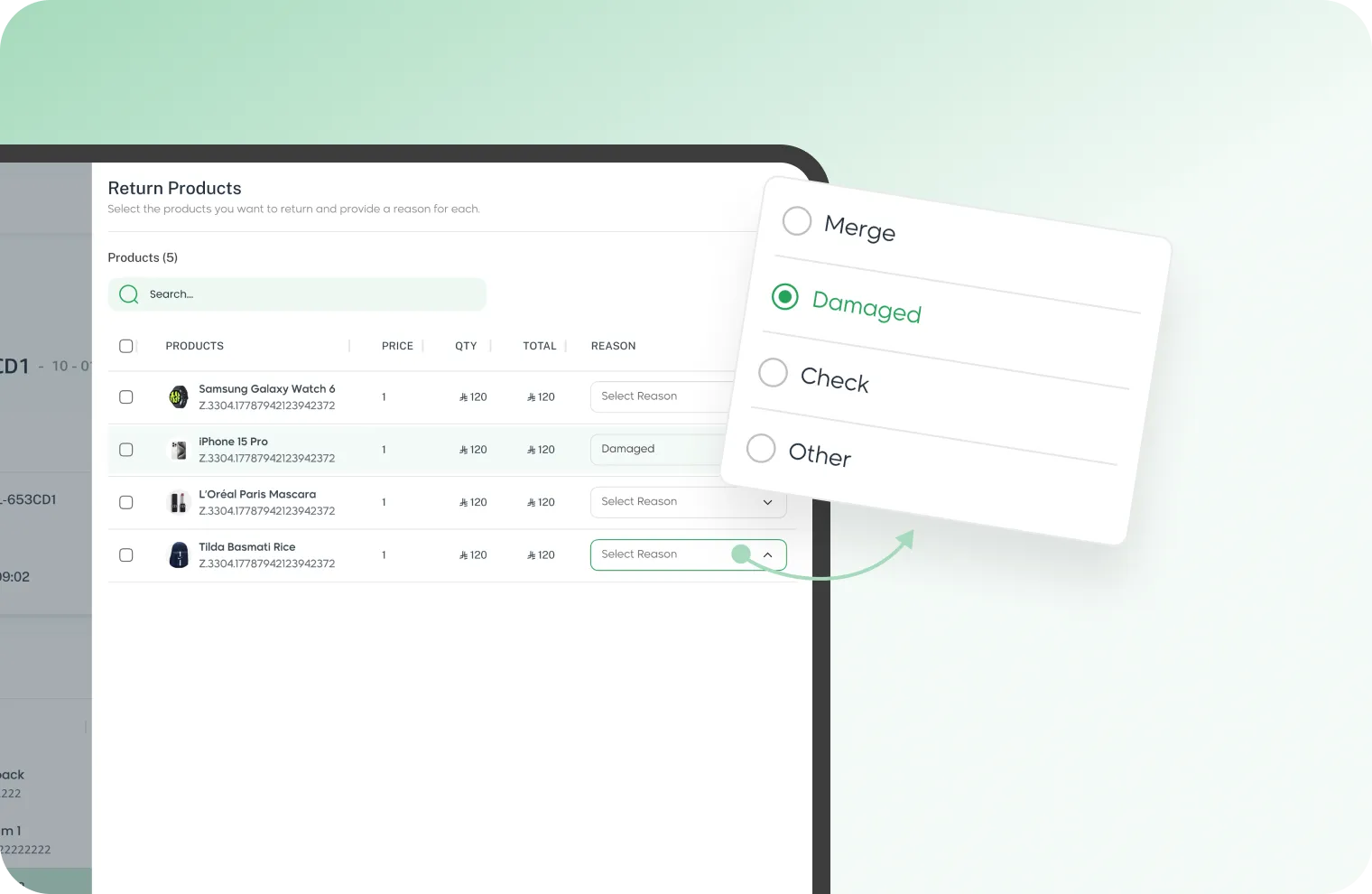
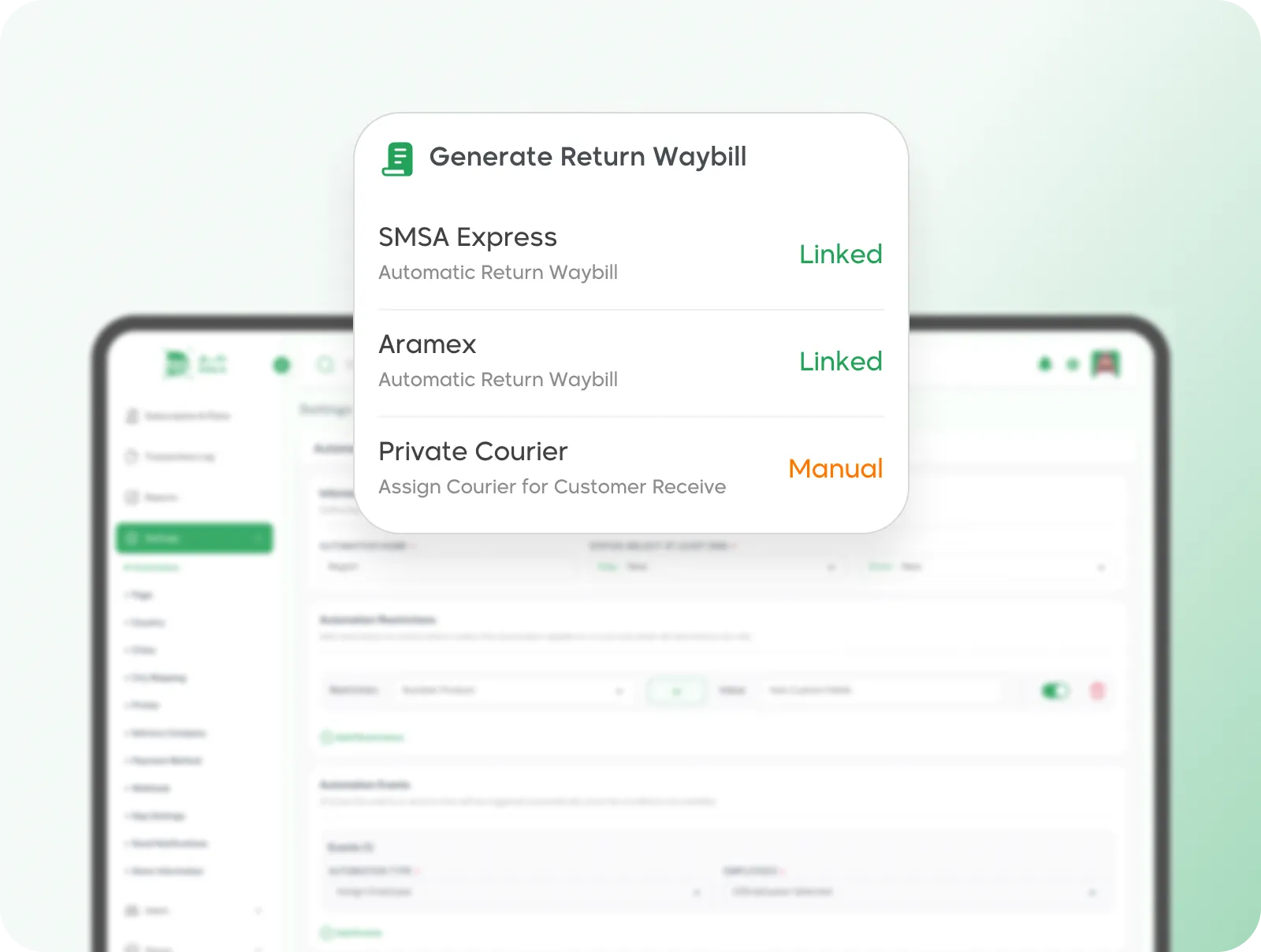
What's the problem?
Creating a return label manually takes too much time
How we solved it?
What's the problem?
The customer wants to return only 2 items from an order of 10 and it messes everything up
How we solved it?
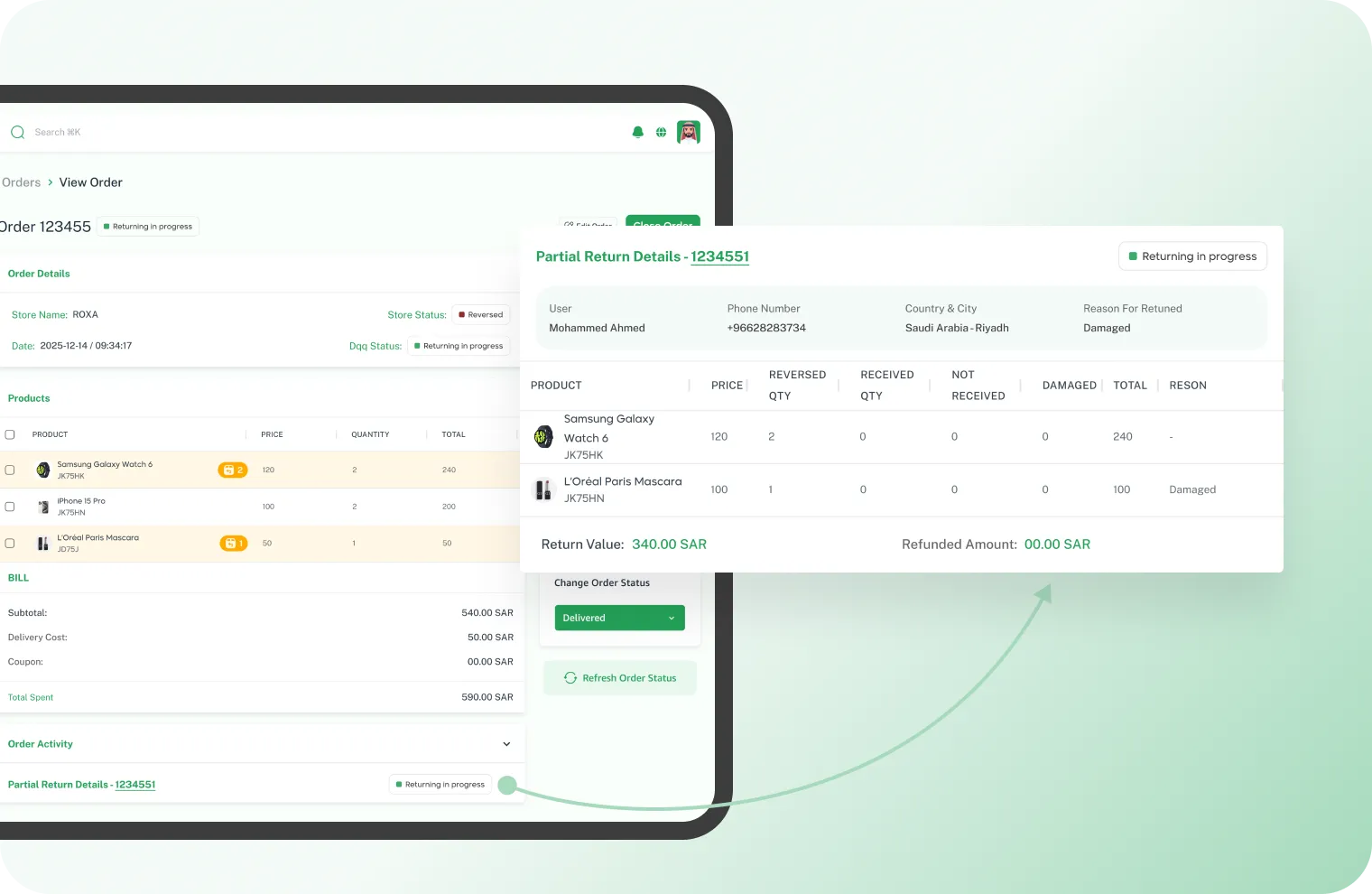
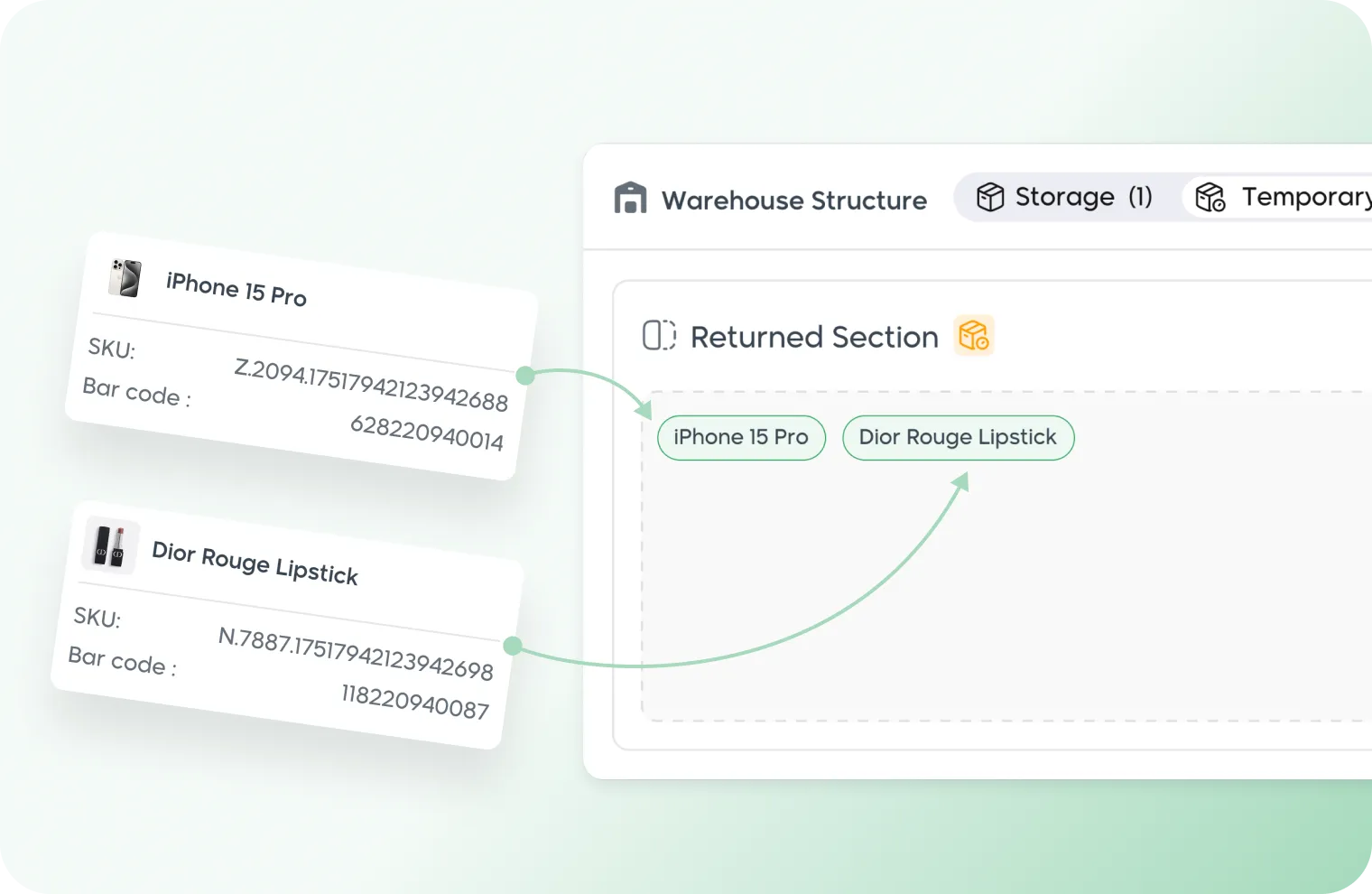
What's the problem?
Returns go back and get mixed with good inventory without inspection
How we solved it?
What's the problem?
No one is responsible for receiving returns — everyone handles them however they want
How we solved it?
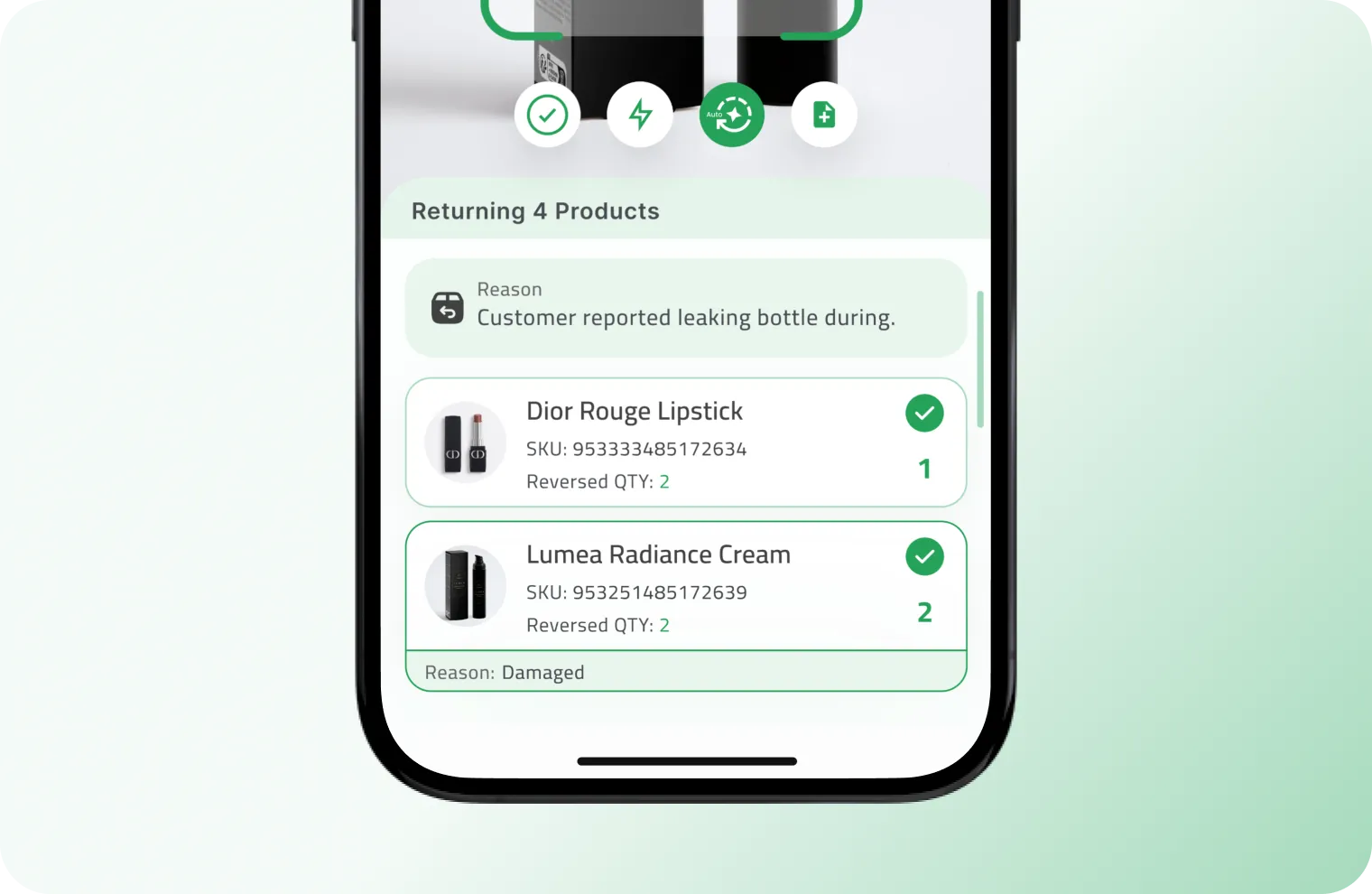
Let your customer return their order themselves.
Custom return rules + a returns page for your store. The end customer enters their phone number, views their orders, and requests a return based on the rules you set.
Non-returnable Products
Define products that cannot be returned
Rules by City
Riyadh 7 days, Jeddah 5 days
Returns Page for Store
Enter phone number and return by themselves
Your returns are under control from day one.
Documentation, inspection, and restocking — everything organized and connected through the app.
Join DqqAll rights reserved to DQQ Platform © 2026